HOW IT WORKS
A clearer way to choose a dog park
Open the map, tap an Antwerp dog park, see which dogs are there, check in with yours. Here is the whole visit, from the first map view to checking out on your way home.
01
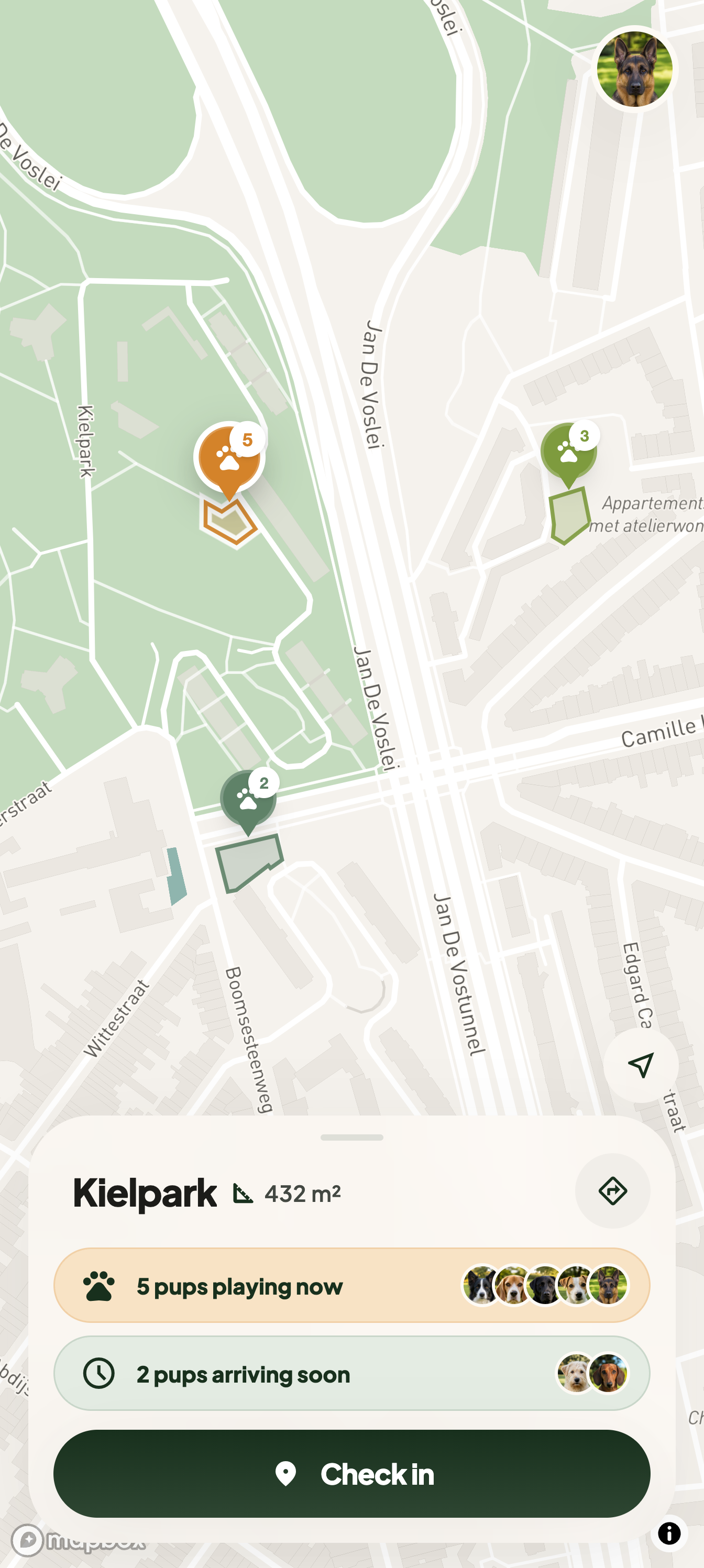
Explore the map
Every dog park in Antwerp sits on the map as a pin: the whole city list, not a selection. Zoom in on one and its outline is drawn on the map, so you can see where the run starts and stops before you walk over.
02
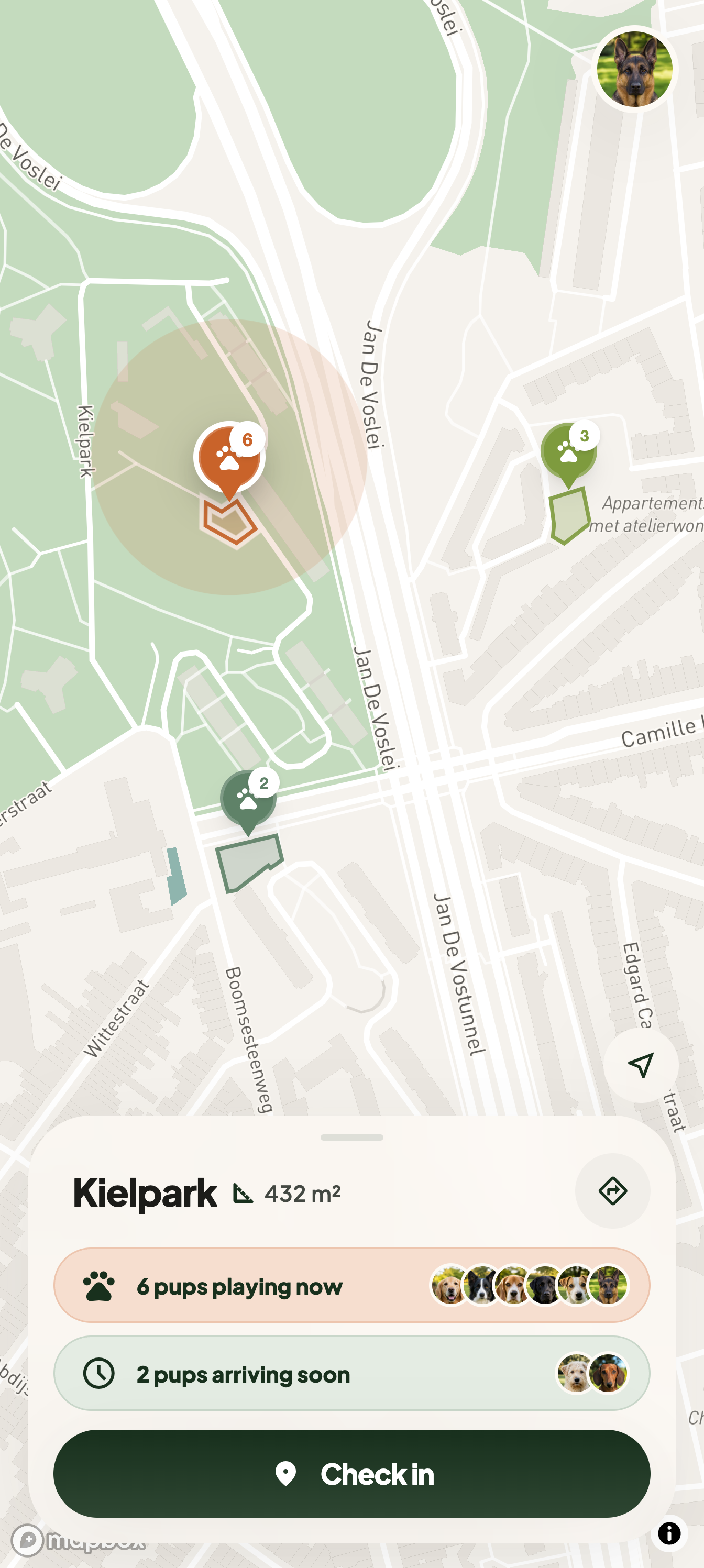
See live counts
Each pin carries a small badge with the number of dogs checked in right now, and the colour deepens as a park fills up. When a dog checks in while you are watching, a halo pulses around that pin. No badge means nobody has checked in.
03
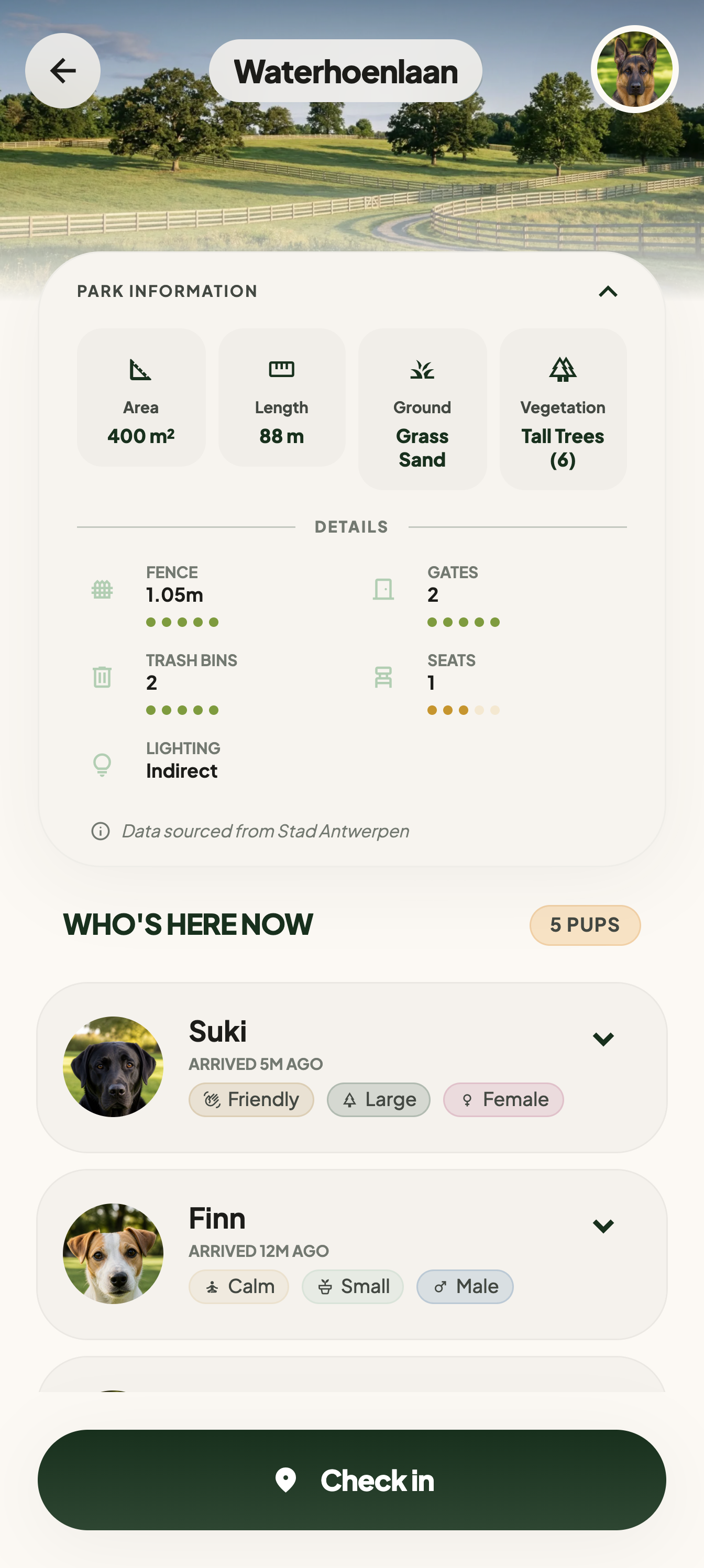
Open a park
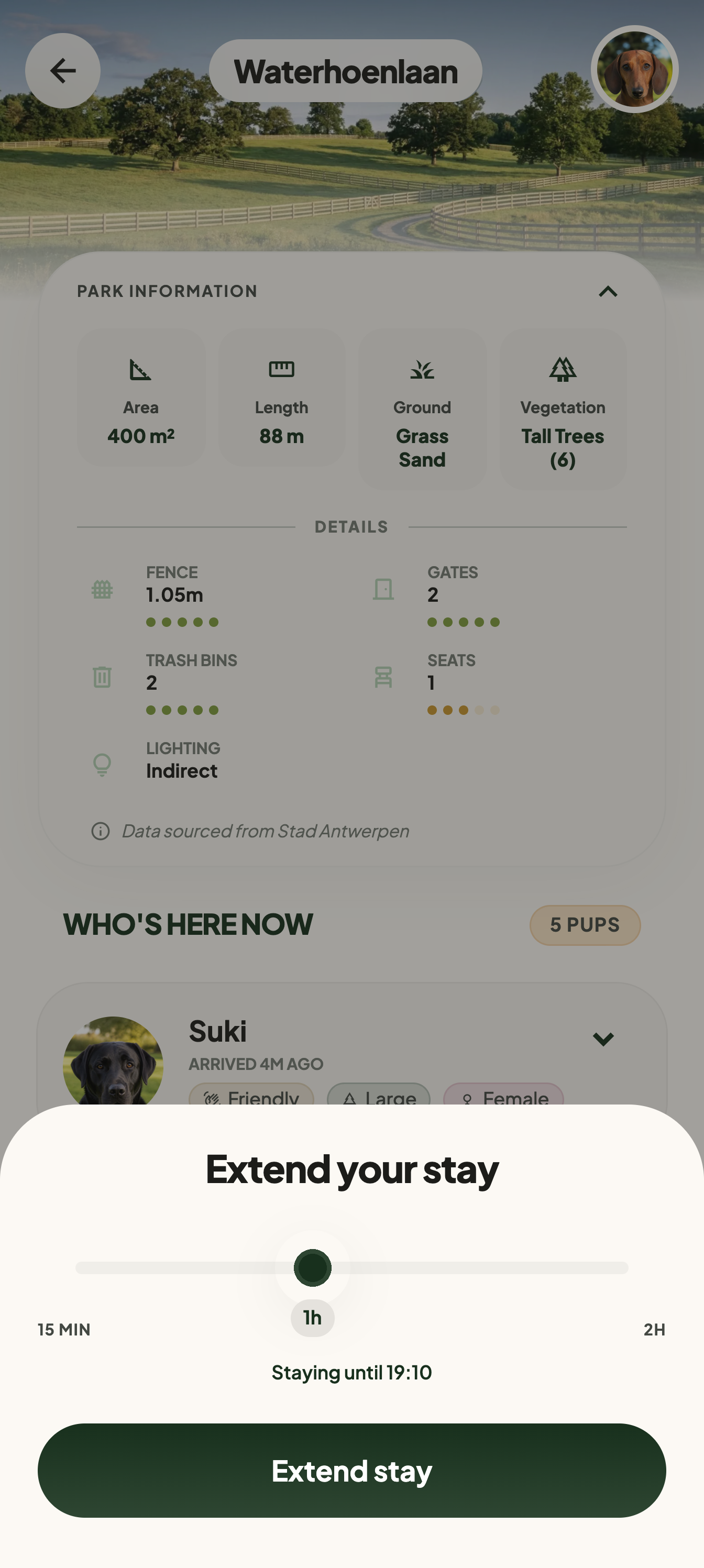
Tap a park to open it: its photo, who is standing in it now, and what the city recorded about the place — area, ground, fencing and lighting. Directions open in Google Maps when you want help getting there.
04
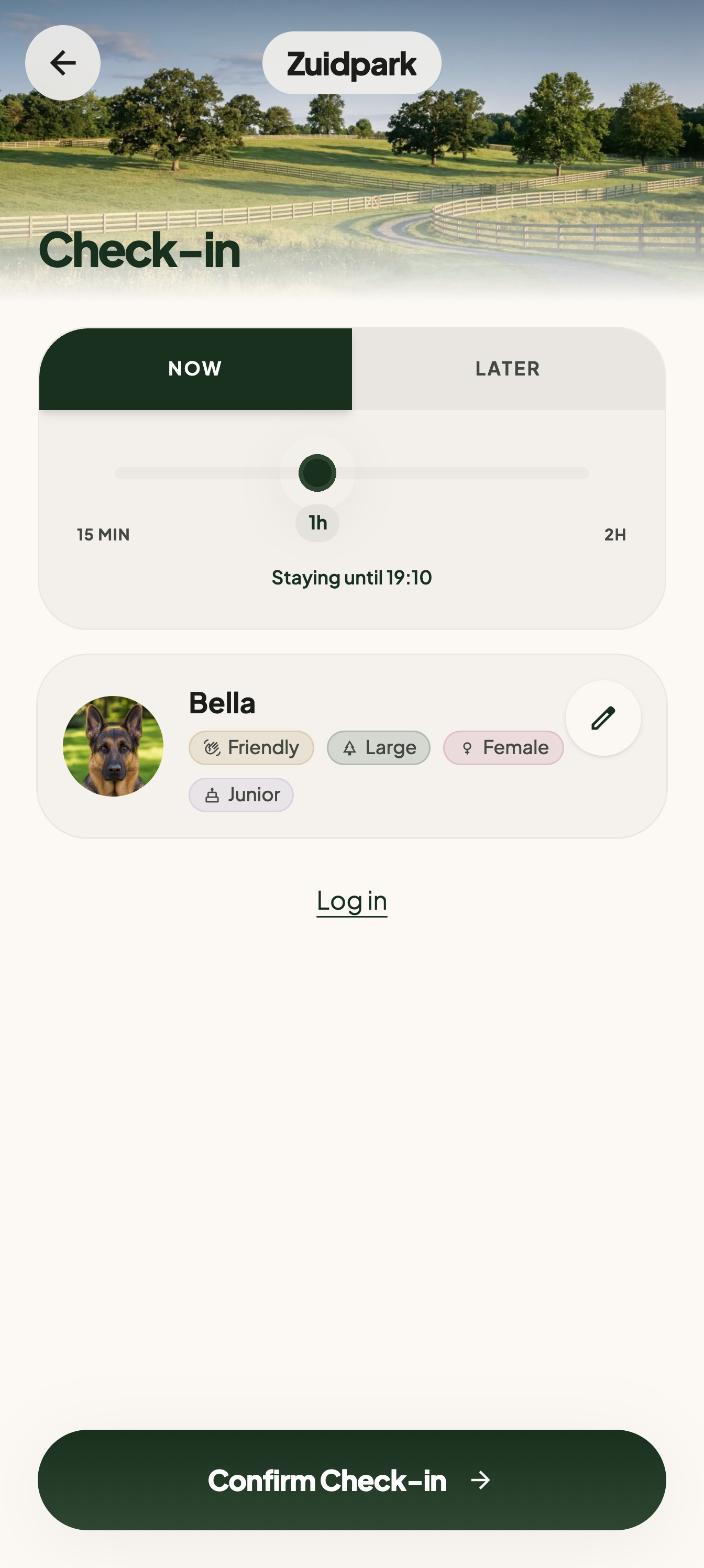
Check in with your dog
Describe your dog once, choose Now and set how long you expect to stay. If you are still at home, choose Later instead and say roughly when your dog will turn up.
05
Let others see your dog
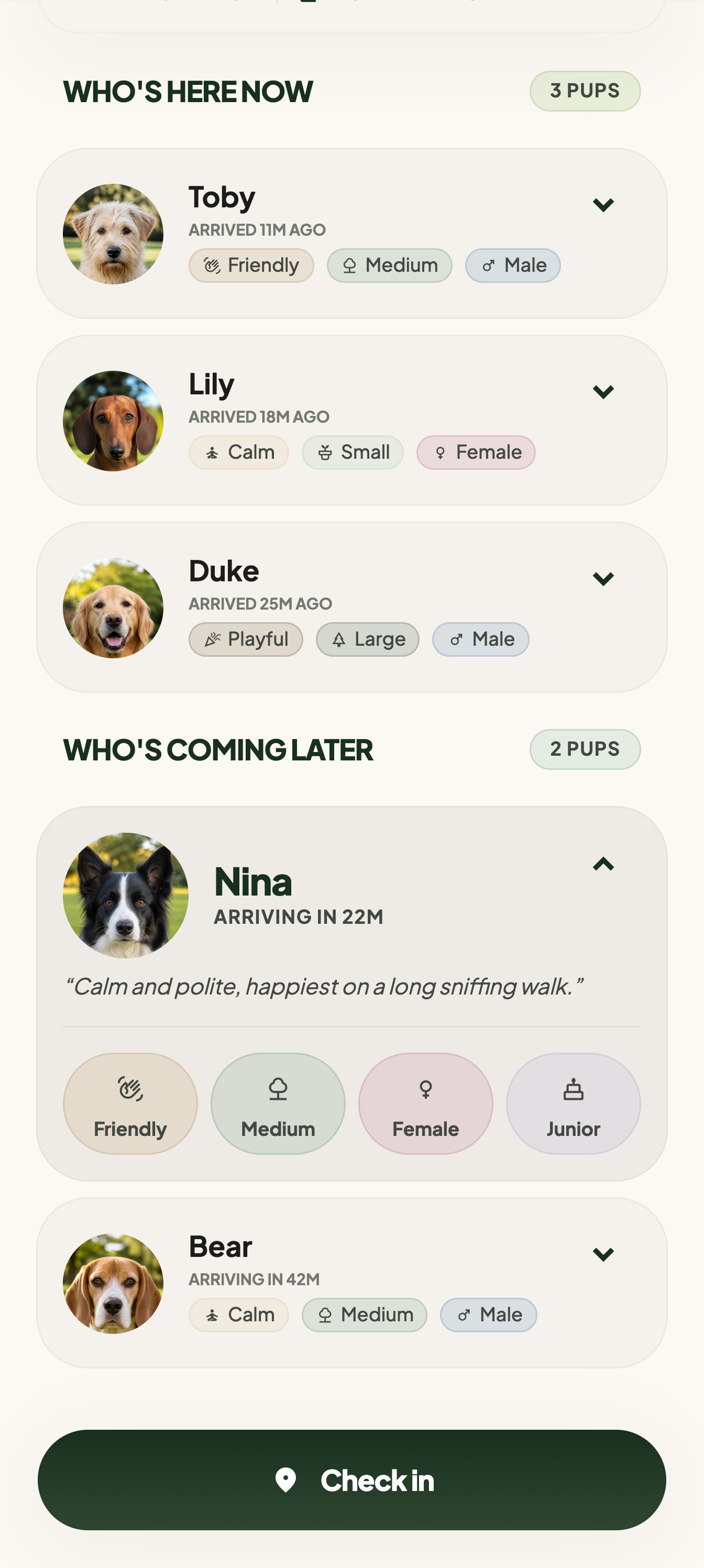
A park lists the dogs there now and the ones coming later, each with a photo, size, sex, age group, social style and a short bio if there is one. Yours appears the same way: the dog you described, not your name or live location.
06
Check out or extend
When plans change, check out or extend the stay so the park signal stays useful for the next owner.


WHAT'S NEXT
Help decide what we build next
Nothing beyond these six steps is settled. The ideas we are weighing sit together on one page, each with a vote button: back the one you want first, or write down the thing you keep wishing the app did.
See the map for yourself
The Antwerp map, all 96 parks, and whoever is standing in them right now.